
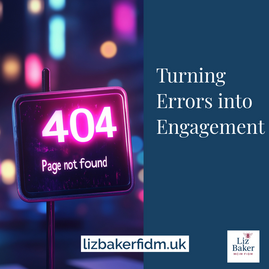
Most website errors are frustrating. The 404 page is no exception.
But what if this “page not found” could work just as hard as your homepage?
Too often, businesses leave their 404 pages as technical dead ends. At best, it’s a default message. At worst, it drives someone away entirely.
But handled well, this forgotten page can become a small but powerful moment of brand experience.
What is a 404 Page?
A 404 error appears when a visitor tries to reach a page that doesn’t exist. This might be due to a mistyped URL, a broken link, or outdated content.
While the technical cause varies, the outcome is the same: a visitor hits a wall.
That moment is crucial. You’ve either lost them entirely, or you’ve got a chance to pull them back in.
Your Brand Voice at Work
This is your opportunity to make an impression. Not in spite of the error but because of it.A great 404 page should do more than apologise. It can:
- Reassure the visitor they’re still in the right place
- Point them towards helpful or popular content
- Demonstrate personality
- Encourage engagement
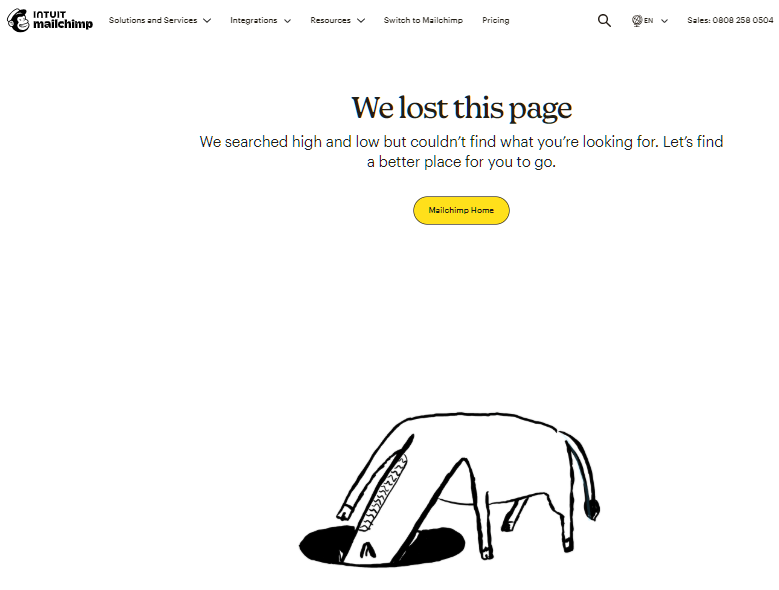
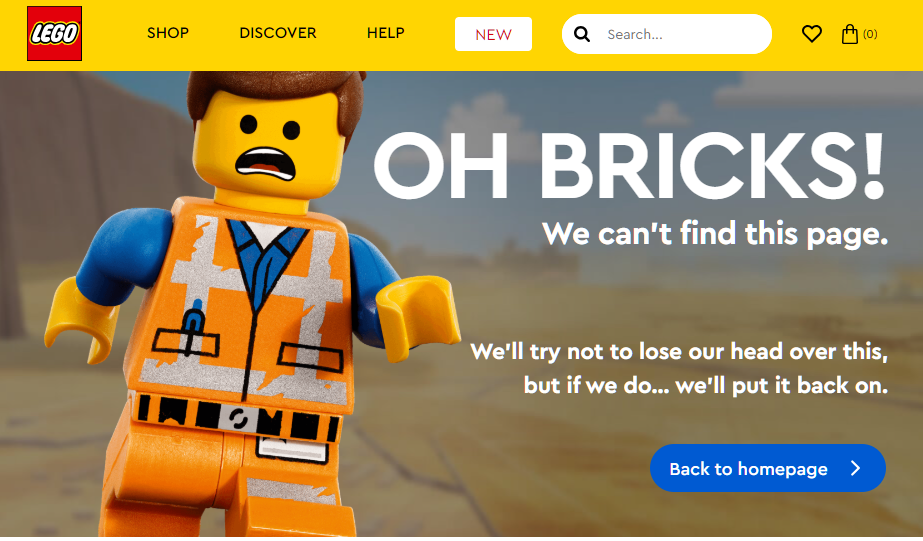
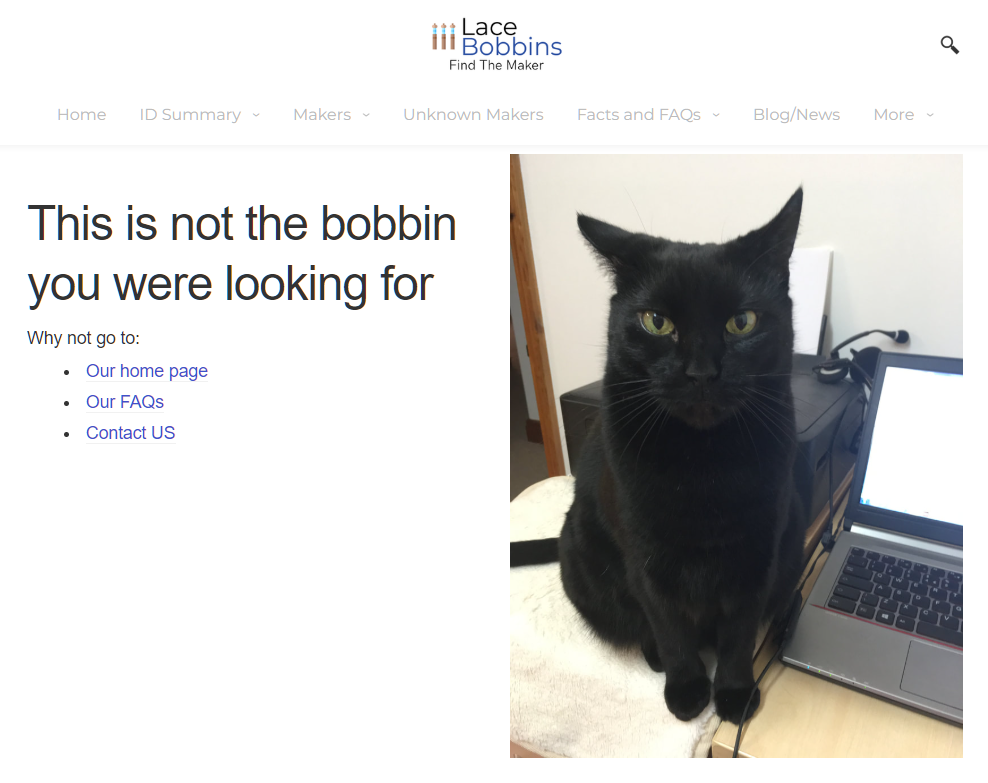
For example, Mailchimp’s 404 page uses friendly animation and light humour. LEGO’s references missing pieces. And I even had a little fun with a website I designed by adding a Star Wars reference.
Each of these reinforces the brand rather than breaks it.
What is a 404 Page?
A 404 error appears when a visitor tries to reach a page that doesn’t exist. This might be due to a mistyped URL, a broken link, or outdated content.
While the technical cause varies, the outcome is the same: a visitor hits a wall.
That moment is crucial. You’ve either lost them entirely, or you’ve got a chance to pull them back in.
Turning Lost Traffic into Conversions
The visitor has already chosen to come to your site. They may be searching for a specific product, article, or service. Why not use the 404 page to help them continue that journey?You can include:
- A site search bar
- Popular or trending pages
- A call-to-action for your newsletter or downloads
- Contact information or live chat
In short, treat it as a softer version of your homepage – with more empathy and a dash of wit.
SEO Implications
While 404 errors don’t directly affect rankings, poor user experience does. If someone bounces quickly after hitting a dead end, that’s a missed opportunity for both conversion and trust.
Using custom 404 pages to reduce bounce rates and re-engage users supports better site performance over time. Google doesn’t penalise you for having 404s, but it does reward good navigation and usability.
Easy Wins for Better 404s
Here’s a checklist to transform your 404 from throwaway to value-add:- Write in your brand voice – helpful, human, and on-message
- Include navigation or suggestions for where to go next
- Avoid technical jargon – no one cares about error codes
- Keep the tone light but aligned with your audience
- Consider a visual or branded graphic for extra impact
It’s also worth reviewing analytics to see which URLs are producing 404s most often and then deciding if redirection or content updates are needed.
Final Thoughts
A 404 page isn’t a mistake – it’s a moment. One that can either frustrate or delight. One that either ends a session or extends the journey.
If you’re investing time in brand storytelling, user experience, or conversion strategy, your 404 page deserves just as much attention.
And if your current one just says, “Oops – page not found”,? Then, it’s time to put that space to work.
Would you like me to create an infographic or visual assets to pair with this blog post or generate social media posts and SEO metadata to support it?
#DigitalStrategy #ContentMarketing #SEOtips
